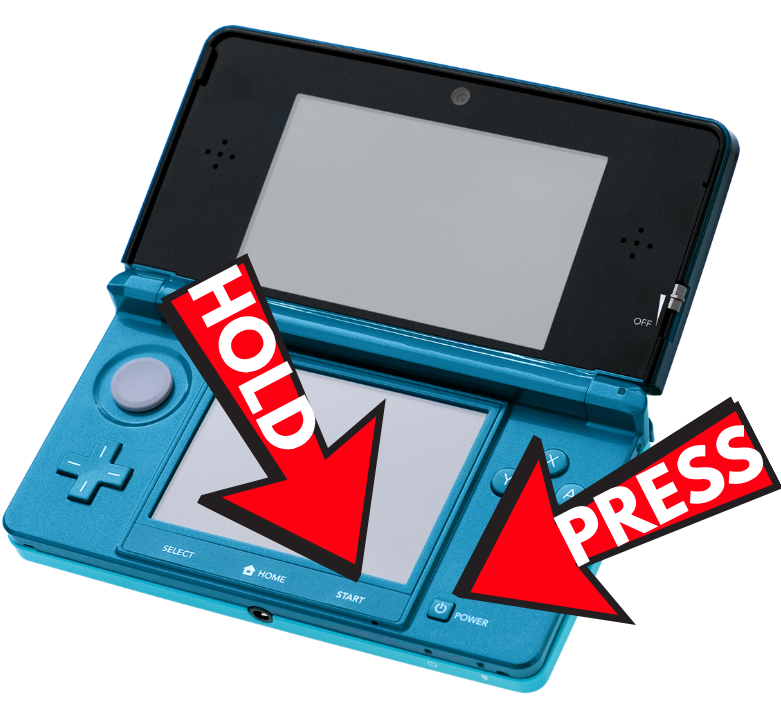
Download
Get PetPal onto your 3DS.
PetPal is homebrew, so you'll need a 3DS with the Homebrew Launcher. Build the app, drop it on your SD card, and you're passing in minutes.
Compatibility
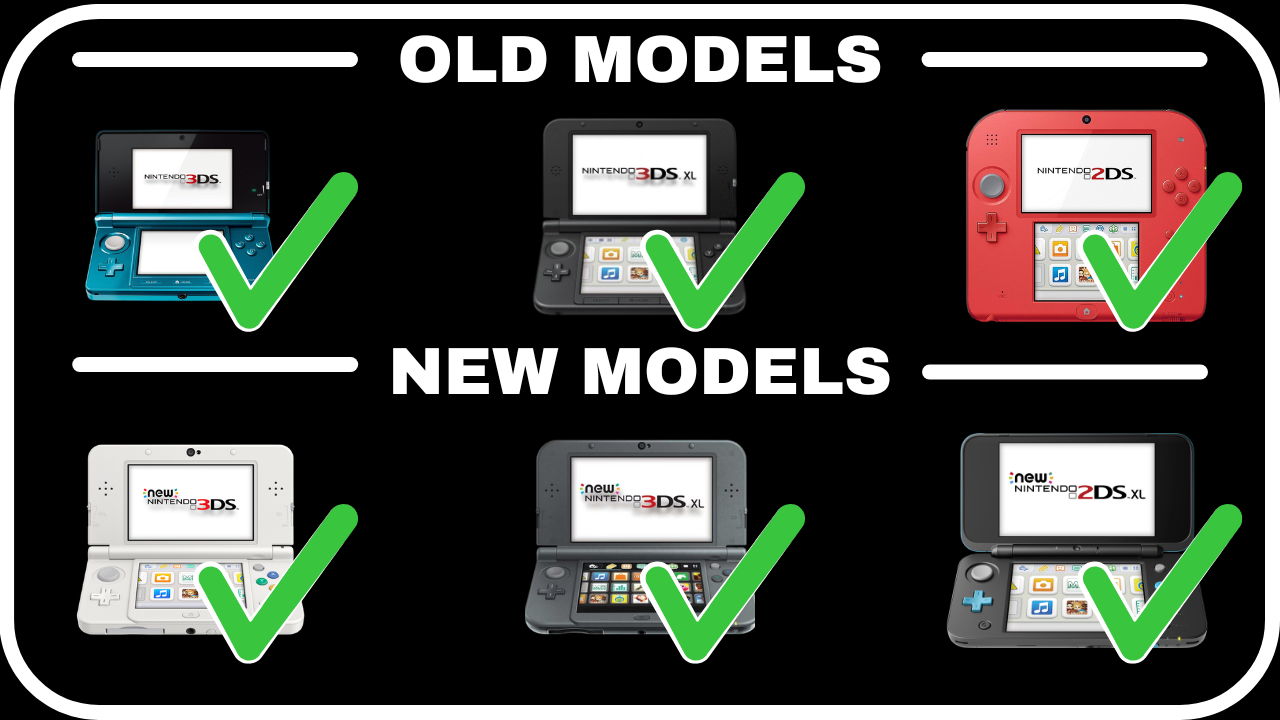
Works on every 3DS & 2DS
Old or New, regular or XL — if it runs homebrew, it runs PetPal. Targets Old 3DS, New 3DS, and New 3DS XL.
Quick start
Build the 3DS app
You'll need devkitPro with the 3ds-dev group installed (libctru, citro2d, citro3d, and tools).
pacman -S 3ds-dev
# build — produces PetPal.3dsx (+ .smdh)
make
Copy PetPal.3dsx to sdmc:/3ds/ and launch it from the Homebrew Launcher — or run it over the network with 3dslink PetPal.3dsx.
Where your save lives
- save.bin
- your pet, friends, and journal
- save.bak
- a rotating backup, written automatically
- backups/
- portable exports you can copy off-device
All of it sits under sdmc:/3ds/PetPal/, created for you on first launch.
For tinkerers
Run the model tests on your PC
The gameplay, save, and NetPass logic is decoupled from the device, so the whole model layer compiles and runs on a desktop — no 3DS required.
make -C tests run
Want to pass worldwide?
StreetPass handles people nearby out of the box. To meet players across the internet, set up NetPass — the community project PetPal is built around.
Get NetPass ↗